Windows 11 update KB5121003 causes game crashes due to RGB peripheral driver conflicts
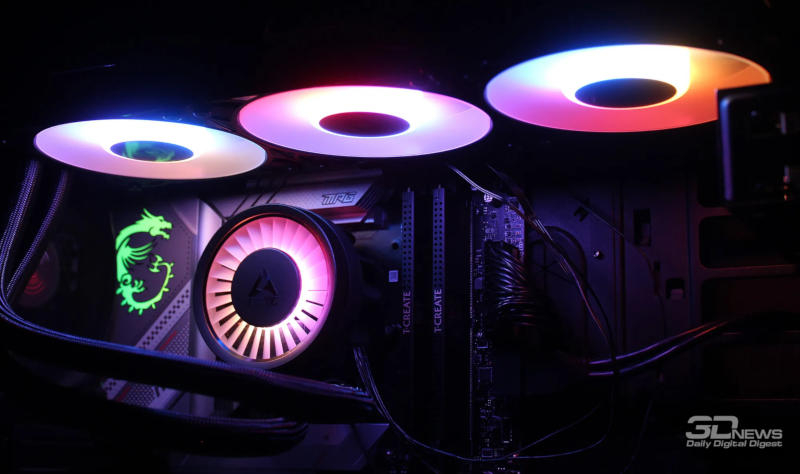
- The Windows 11 update KB5121003 causes crashes in three games.
- The conflict is related to RGB peripheral drivers and the inpoutx64.sys file.
- A temporary solution is to remove the conflicting file and clean the registry.
In early August 2024, Windows 11 users received the KB5121003 update, which was supposed to improve system performance. However, a few days after installation, reports of critical errors when launching the games Marvel Tokon: Fighting Souls, Arc Raiders, and The Finals emerged. Players noted freezing, sudden reboots, and EXCEPTION_ACCESS_VIOLATION error messages.
What Microsoft has discovered
После получения большого количества отзывов компания провела внутреннее расследование. По её словам, проблема не в самих играх и не в аппаратных компонентах RGB‑подсветки, а в совпадении имён файлов, которые устанавливают драйверы периферийных устройств. Такие драйверы могут создавать файлы с названиями, схожими с системным файлом inpoutx64.sys, расположенным в каталоге C:WindowsSystem32drivers.
When such 'similar' drivers are present in the system, launching the specified games leads to a file access conflict, causing the game process to receive an access exception and the system is forced to terminate the program or reboot.
Developers' Response
The developers of two of the three affected projects – Embark Studios, creators of Arc Raiders and The Finals – confirmed that after installing the update, the file inpoutx64.sys does indeed change. A studio representative stated that the crash is related to this file and suggested a temporary solution: delete inpoutx64.sys and clear the corresponding entries from the Windows registry.
For Marvel Tokon: Fighting Souls, the developers have not yet provided official recommendations, however, users note that removing the conflicting driver helps restore functionality.
What Microsoft advises
The corporation stated that it continues to study the relationship between RGB components and gaming applications. So far, the company does not plan to release a separate patch, but promises to publish more detailed information as soon as new data becomes available. Users are advised to check for updates to peripheral device drivers from their manufacturers.
As a temporary measure, Microsoft recommends creating a system restore point before installing update KB5121003, and also rolling back the system to a previous version if problems with games arise.
Context and significance
Driver conflicts often occur after major OS updates, when new versions of system files may overlap with those provided by third-party peripheral manufacturers. In this case, the issue affected not only gamers but also users who use RGB devices for work or entertainment. Quickly identifying the cause and publishing recommendations helps reduce the number of negative reviews and maintain trust in Windows 11.
While Embark Studios and Microsoft are working on a permanent solution, users can take advantage of the proposed workarounds and also keep an eye on updates in the official support channels.
Source: 3DNews