Myths about Android smartphones: what to leave in the past
- Android smartphones manage memory on their own
- Fast charging does not shorten battery life
- The built-in Google Play Protect antivirus is sufficient for most users
Myths about Android smartphones
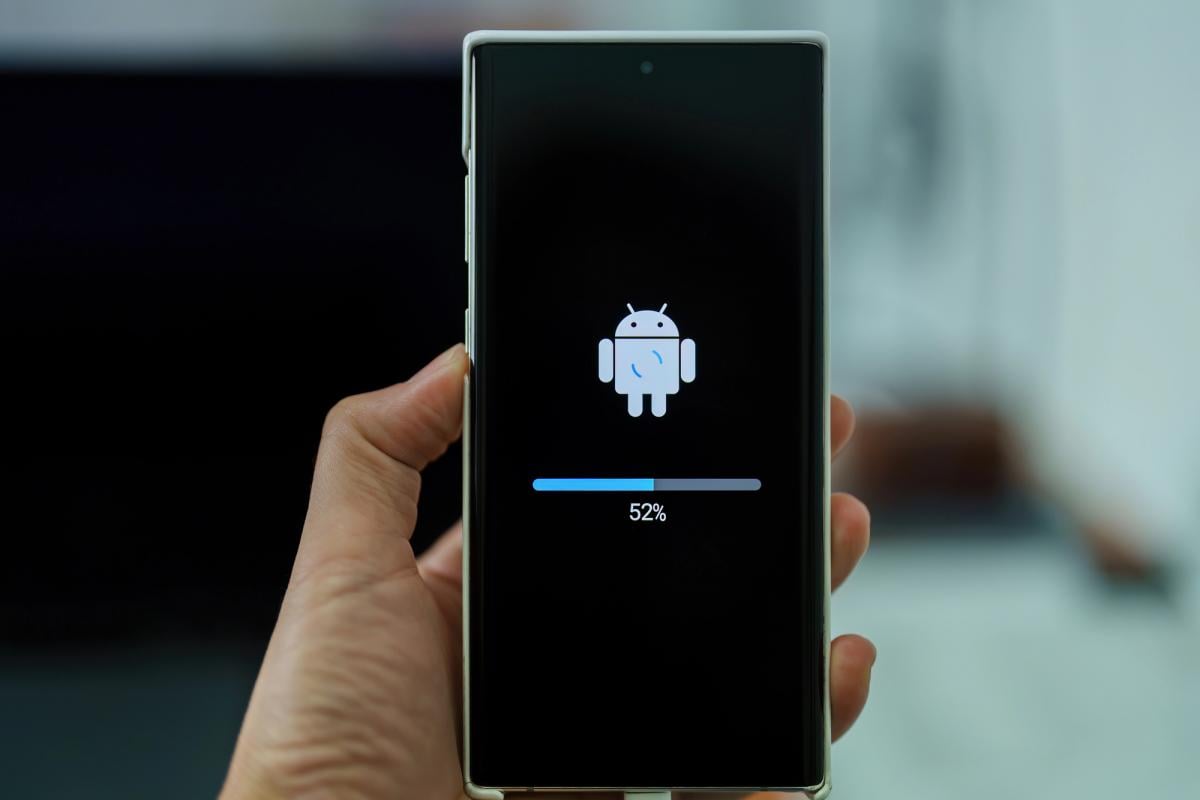
Modern Android smartphones have significantly improved their capabilities in managing RAM and power consumption. Many users still adhere to outdated myths that are not true. For example, there is a belief that to save battery charge, it is necessary to manually close background applications. However, modern devices are capable of managing memory on their own, closing unnecessary applications when needed. This helps avoid unnecessary energy consumption and improves device performance.
Occupied RAM does not lead to increased power consumption, as it uses the same amount of energy regardless of whether it is full or not. Forcibly closing applications can even worsen the situation, as when the application is restarted, the processor requires more resources to load it. This can lead to increased battery drain, which contradicts the goal of saving energy.
Some applications, such as messengers or email clients, need to remain active in the background for timely data synchronization and receiving notifications. Therefore, constantly closing such applications can disrupt their functionality and reduce the convenience of using the device. Instead, it is better to limit the background activity only of those applications that truly drain the battery quickly.
Memory and power management
Another common myth concerns turning off Wi-Fi and Bluetooth to extend battery life. Studies show that in standby mode, these modules consume virtually no energy. For example, tests have shown that a smartphone with Wi-Fi and Bluetooth turned on used only 3.4% more charge over 24 hours than a device with the modules turned off. This indicates that turning off wireless interfaces is not always justified in terms of energy savings.
However, it is worth noting that a weak Wi-Fi signal can significantly increase energy consumption. In the same tests, a device connected to an unstable network consumed almost three times more power than a smartphone with Wi-Fi and Bluetooth turned off. Therefore, turning off wireless interfaces makes sense if the user wants to limit their activity for privacy reasons.
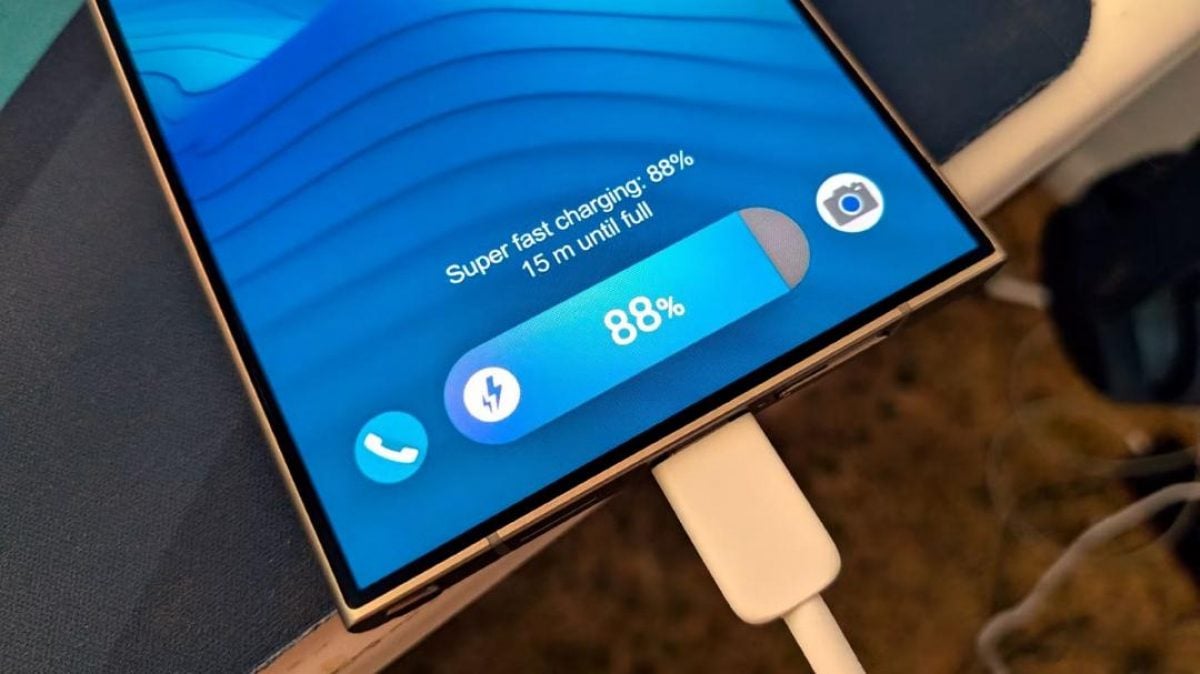
The myth that fast charging shortens battery life also requires reconsideration. Research shows that the impact on battery lifespan depends on the type of device. In one experiment, it was found that iPhone batteries lost capacity by 0.5% more when using fast charging compared to slow charging. At the same time, Android smartphone batteries wore out even slower with fast charging than with regular charging.
Fast charging and battery life
This means that fast charging not only does not harm the battery but also allows for significantly quicker energy replenishment. Users need not fear using this feature, as it does not lead to accelerated battery wear. Thus, fast charging becomes a convenient tool for active users who value quickly restoring their device's charge.
An important aspect of the security of Android devices is the presence of a built-in antivirus. Google Play Protect, which is integrated into Google Play services, checks applications for malware and scans utilities from third-party sources. This provides additional protection and reduces the risk of installing malicious software. Users do not necessarily need to install third-party antivirus programs if they use official sources for downloading applications.
The Google Safe Browsing feature built into the Chrome browser also helps protect users from unsafe sites and downloads. Google regularly releases security updates for Android, making the built-in protection tools quite effective for most users. However, in some cases, a third-party antivirus may be helpful, especially for devices with unofficial firmware or for older models that do not receive security updates.
Built-in antivirus and security
Some myths about the need to manually close apps and save battery life emerged in the early years of Android. Despite modern devices becoming significantly smarter and capable of managing resources on their own, many users continue to believe in these misconceptions. This highlights the importance of informing users about the real capabilities of their devices and how to use them correctly.
Android smartphones have long learned to effectively manage RAM and power consumption, allowing users to focus on using the device rather than maintaining it. It is important to understand that constant interference with the system's operation may not only be unhelpful but can also be harmful. Therefore, it is worth reconsidering your habits and trusting modern technologies.
In conclusion, myths about Android smartphones, such as the need to close apps to save battery or the harm of fast charging, are unfounded. Users should be aware of the real capabilities of their devices and use them considering modern technologies. This will not only improve the user experience but also extend the device's lifespan.
Source: UNIAN