Ukraine 8 min
How to check a site for a page with details for non-cash payment
How to check a website for a page with details for cashless payment: where to look, what words to use, and how to distinguish the necessary section.
How to check a website for a page with details for cashless payment: where to look, what words to use, and how to distinguish the necessary section.
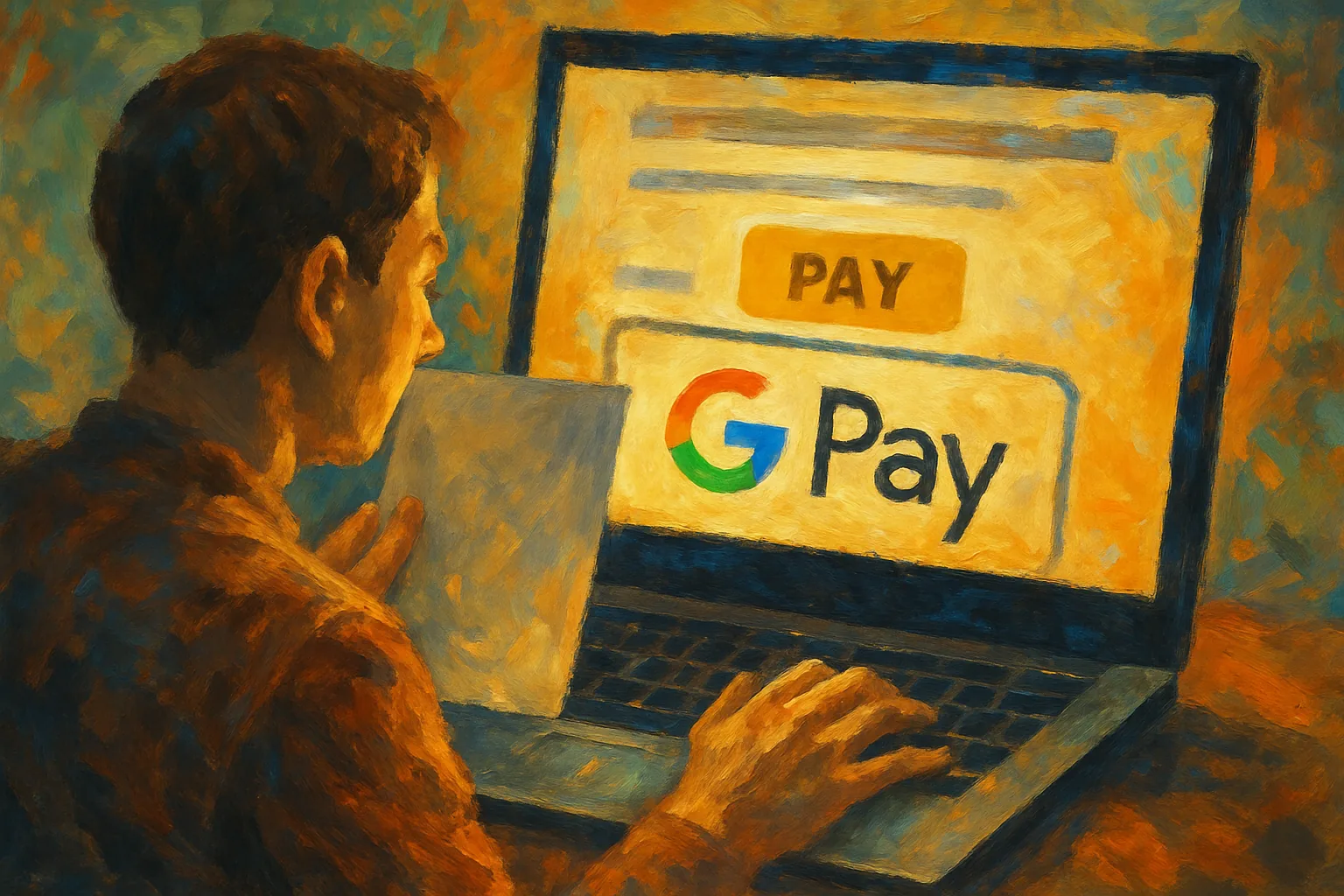
We analyze how to check a website for a Google Pay payment button and distinguish a working button from a decorative icon.
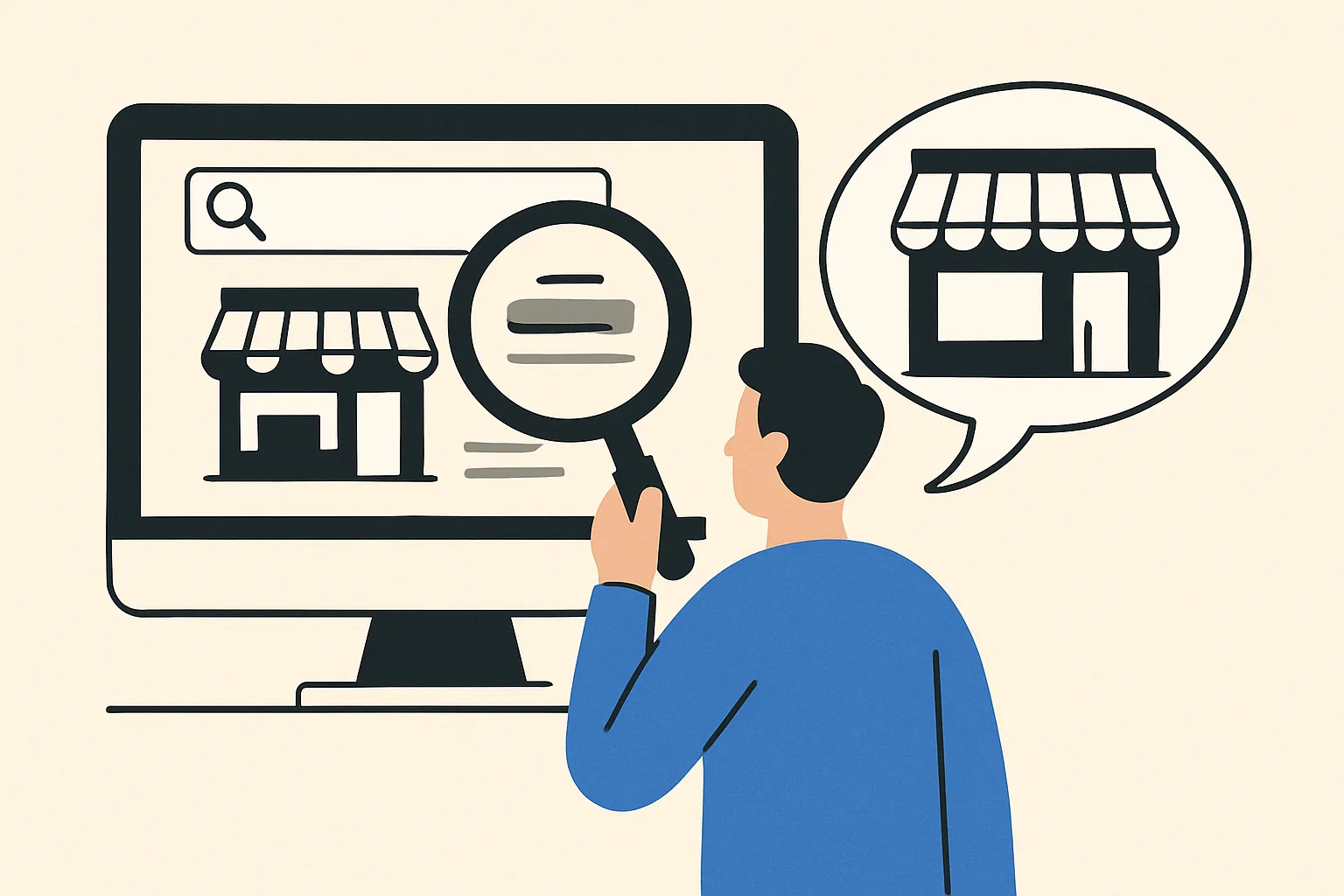
Find out how to check a website for an offline store by address, contacts, maps, and details without unnecessary errors.
How to check a website for reviews on Google Maps: we look for the company card, verify the address, phone number, website, and understand whether the reviews pertain to the business.
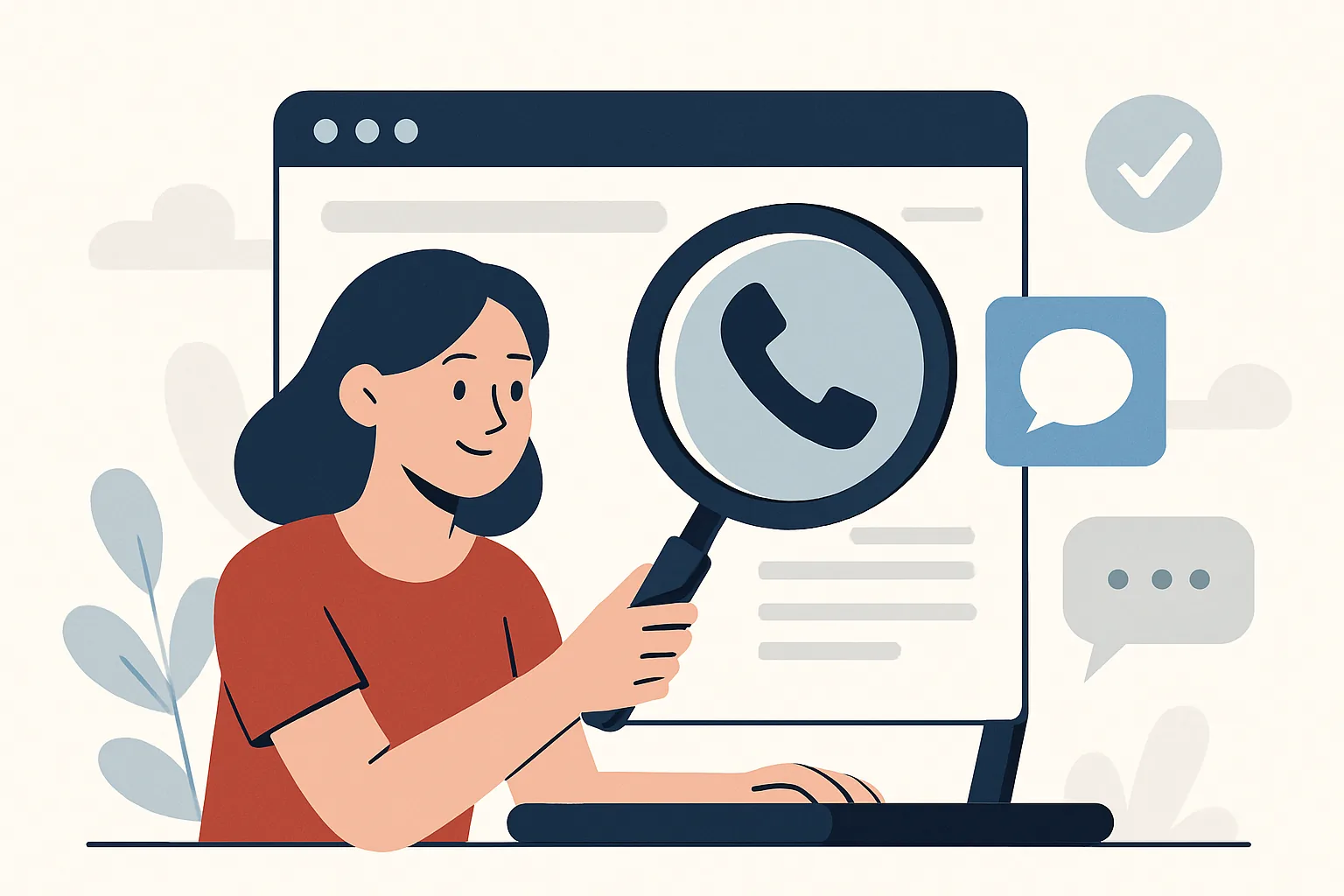
How to check a website for the presence of a contact phone number and messengers: where to look for numbers, links to WhatsApp, Telegram, and Viber on the site.
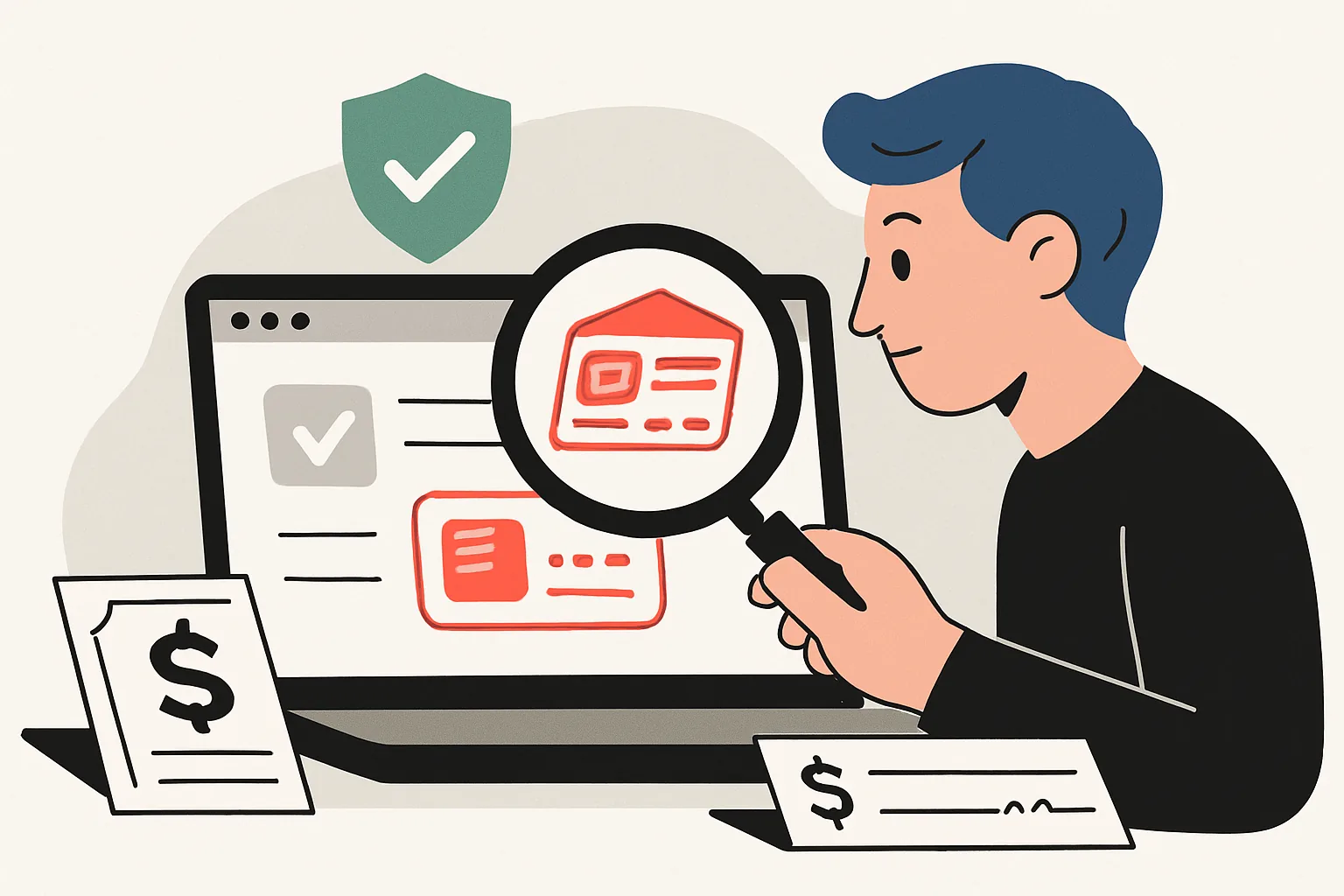
We explain step by step how to check a website for substitution of details, find changes in contacts, payments, and documents before transferring money.
Learn how to check the website for a return page and quickly find exchange conditions, deadlines, contacts, and exceptions before making a purchase.
Learn how to check a website for a contact page, find it in the menu, and evaluate the contacts of the online store.
Practical guide: how to check a website for hidden contacts and a real address to assess the reliability of the store and its connection.
How to check a website by user reviews: where to find opinions, how to distinguish real experiences from fake ones, and draw conclusions.
Let's analyze how to check a website for age and history: WHOIS, archives, indexing, and signs of ownership or project theme changes.
Learn how to check a website for fraud: quick signs, domain, reviews, and contacts before making a payment or registration.
Dashboard, wallet, bookmarks, your horoscope and AI services.