VLC launch delay of up to 30 seconds: is Windows Defender to blame?
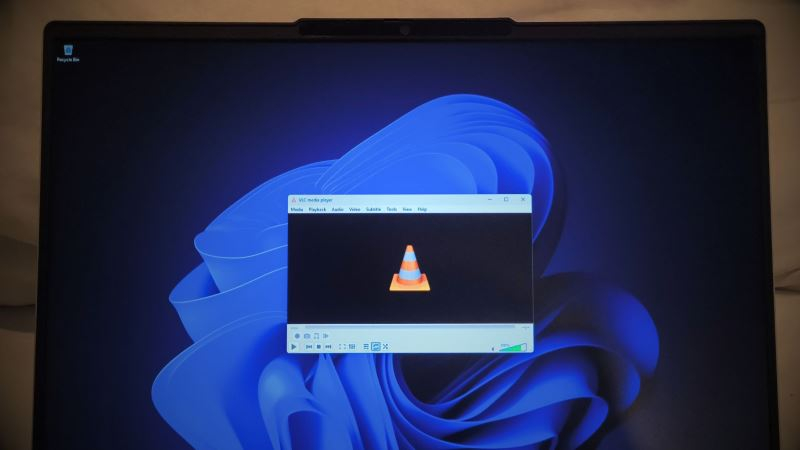
- Starting MP3 in VLC is delayed by up to 30 seconds.
- Developers blame Windows Defender for this
- The problem is observed in Windows 10 and 11
- Restoring the cache or reinstalling helps
In early 2024, several owners of computers with Windows 10 and Windows 11 reported that opening MP3 audio files in the open media player VLC occurs with a noticeable delay – from 20 to over 30 seconds. Users noted that the problem manifests immediately after starting the file, not during playback.
VideoLAN developers quickly responded. According to them, the delay occurred after the installation of one of the updates to the built-in Windows 11 protection tool – Windows Defender. The update, in their assessment, began blocking the processing of plugin cache, which led to a long wait before playback started.
VLC is built on a modular system: almost all functions are implemented as separate plugins listed in a file plugins.datWhen opening a media file, the player first checks the cache to avoid a full scan of all components. This approach usually speeds up performance, but in case of conflicts with antivirus software, the cache can become a bottleneck.
To resolve the issue, VideoLAN offers two simple methods: run the utility vlc-cache-gen.exe, which restores the cache, or completely reinstall VLC. Both methods, according to the developers, allow for a return to normal startup speed.
However, the community has noticed that the situation is more complex. The public VLC bug tracker was examined on the Windows Latest portal, where it was found that complaints about slow startup have been appearing for over a year. One user described a 24-second delay on the first launch, which disappeared after several subsequent openings but returned if the player was not used for a long time.
The author of the initial report indicated that replacing the file plugins.dat with the working copy completely eliminated the delay, even without cache intervention. This suggests that the problem may be related not only to caching but to a deeper interaction between Windows Defender and the file structure of VLC.
Famous game designer and programmer Jonathan Blow, encountering the same symptom, switched to the built-in Windows Media Player, stating that "a significant portion of open-source software is currently in a deplorable state." His comment heightened public attention to the issue.
Research continues within the VLC team. One developer concluded that Windows Defender slows down performance regardless of the cache state, while another believes the problem is resolved after replacing the cache. A final solution has not yet been announced, but users can already try restoring the cache or reinstalling the player to regain the usual playback speed.
Source: 3DNews