How to check a website for credential substitution: step-by-step guide
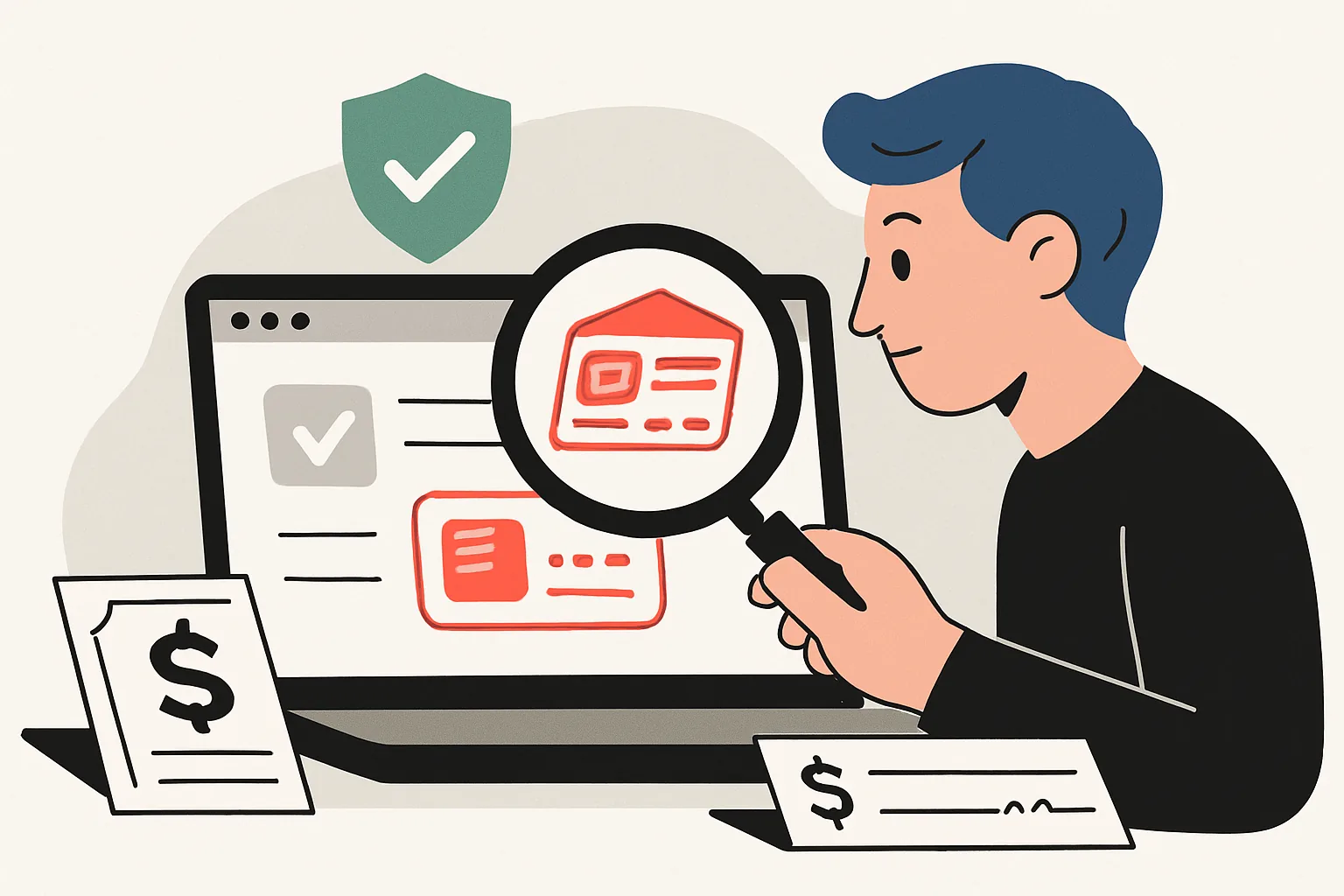
How to check a website for credential substitution: step-by-step guide
Substitution of details on a website looks ordinary, and that is its danger. A company may 'suddenly' change its bank account, a manager may change their contact phone number, and a payment page may have a link that leads nowhere or to someone else's wallet. For the client, this means extra money. For the business, it means disputes, refunds, loss of trust, and hours of drawn-out arguments.
Most often, the attacker does not break everything indiscriminately. They only need 1-2 entry points: an email from an employee, access to the CMS, a weak password on the hosting. Then, one block on the page is changed, and the buyer pays in the wrong place. If you need to quickly orient yourself in a related topic, it will be useful How to check a website for fraud: guide, but here we are specifically talking about the substitution of details.
1. What is substitution of details and why is it dangerous
Substituting details is not just a new account in the invoice. It includes contacts, e-mail, payment links, QR codes, bank details, signatures in emails, and even text in PDFs. If one character in the address changes, the client writes to the wrong place. If one digit in the account number changes, the money goes to the wrong recipient.
For the company, the risk is twofold. First, the money may go astray. Second, the reputation suffers: the client rarely understands who is to blame — the hosting provider, the contractor, or an internal employee. They only see one thing: the website had one set of details, and then another. And that is enough for a conflict.
A separate problem is hidden substitution in emails. The client received the invoice, opened the attachment, paid, and two days later it turned out that the details had been changed. Such cases often drag on for 1-2 weeks while accounting and support verify the old versions of the documents. Yes, it's unpleasant.
2. Signs that may indicate a substitution
The first signal is unexpected changes in accounts and documents. If yesterday there was one BIK in the PDF and today there is another, that's a reason to stop. Another marker is new payment buttons that weren't there before, or old buttons leading to an unfamiliar domain. The check takes 5 minutes and saves hours.
Look at the email addresses. Even an extra dot, hyphen, or changing the domain from company.ru to company-pay.ru can change the meaning. The phone number is also checked not by appearance, but by fact: the number may look similar, but it may not be yours. Substitution of details is often disguised as a 'technical update', and this is the first thing to double-check manually.
There are also more blatant symptoms: the order form has started to collect extra fields, the details in the footer of the site have disappeared, and a new invoice has appeared in emails from the autoresponder. If the 'Payment' page suddenly has 3 transfer methods instead of 1, it is not always a designer's mistake. Sometimes it is a point of attack. For comparison, it is useful to open how to check a website for the presence of a page and see how service sections are usually formatted.
3. Which sections of the website to check first
Start with the 'Contacts' page. This is where the phone, email, office address, and links to messengers are most often changed. Then open 'Payment' or 'Details' if such a page exists. Usually, it contains the TIN, bank account, BIC, recipient's name, and sometimes a sample payment form. One incorrect character is already a reason for investigation.
Next, check the product cards and service pages. Substitutions like to hide in descriptions, in the 'Buy' button, in pop-ups, and in the short text block above the footer. Don't hesitate to open the page on both your phone and computer: sometimes the attacker only changes the mobile version. And yes, it happens.
Also, take a look at PDF documents separately. Invoices, contracts, price lists, acts — these are often substituted because the file is downloaded and not cross-checked with the website again. Another risk area is emails and auto-responses. They may contain an old signature banner, but with a new payment link. The email arrived at 9:12, and the substitution was at 9:10 — there's your attack window.
If the website has a return page, check that as well. The fraudster doesn't always go for 'Payment'; sometimes they change sections where the client looks for the refund process and leaves their card number. This check helps to verify the website for the presence of a page, as the logic of service pages is similar.
4. How to check the website technically
First, compare the current version of the website with the backup. You need 2 snapshots: yesterday's and today's. If you have backups set up, open the archive and check specific files: the payment page template, footer, contact block, PDF generation file. Even 1 line in the template can change the details.
Then look at the change log in the CMS. In the admin panel, you can often see the author, date, and time of the edits. If the content manager has never touched the details, and the edit came from a new user at 03:17, that's already a signal. The edit history sometimes keeps previous versions of the text, so you will immediately see what was deleted. Without unnecessary theory.
Check the files on the server. Especially those responsible for templates, form processing, displaying details, and sending emails. One infected file can substitute the account number only for a portion of visitors, for example, for users with a specific browser or from a certain region. Such things like to be done quietly.
If you have access to the admin panel, compare what is visible there with what opens on the public page. Sometimes the correct data is already in the admin panel, while the site shows old cache or a third-party script that substitutes someone else's text over the original. If you notice a discrepancy, document it immediately, not a day later.
5. How to check payment and banking details
Verify the TIN, bank account, BIC, recipient name, and payment purpose against the company's official documents. If one detail does not match, it is not a minor issue, but a reason to stop the payment. For internal checks, keep a reference template of the invoice, agreed upon by the accounting and legal departments, and do not change it without a record in the log.
Payment links are checked separately. Open the address in full, not just the button. Check the domain, protocol, extra characters, subdomains, and redirects. If the link goes through a shortener that you do not use, this is a reason to be cautious. QR codes are also not safe by default: they can be replaced in 30 seconds, and the client may not even notice.
There is also a simple everyday method. Take 2 different channels: a website and a paper contract, or a website and an invoice from accounting. If the details match in both places, the risk is lower. If they do not match, first find out where the source of the error is. This is where many first ask how to check a website for substitution of details without involving a developer, and the answer is usually the same: you need to compare not only the text but also the path the client takes to payment.
| What to check | Where to look | What to look for |
|---|---|---|
| Tax ID and name | Details, contract, invoice | Exact match of spelling |
| Account number and BIC | Payment page, PDF | 1 digit error is already critical |
| Payment link | Button, email, QR code | Domain, redirects, protocol |
| Payment recipient | Invoice, cash register, payment form | Match with the official name |
6. What to do if the substitution is confirmed
The first step is to disable the suspicious page or form. If you only have access to the admin panel, remove the block from publication and restore the previous version from the backup. Don't wait until the end of the day. Substituting credentials on the website doesn't like pauses: the longer the page is open, the greater the chance of losing payment.
Next, restore the correct credentials from the reference template. Check not only the page but also the email, PDF, auto-message, manager's signature, and the mobile version of the page. If the substitution occurred in several places, fix all 5 points at once. Otherwise, the client will see the old link in the email and the new one on the website, which will cause confusion.
Then notify clients if orders or payments have been affected. Write briefly: what happened, what the correct credentials are, where to contact if the payment has already gone to the wrong place. Don't stretch the text over 2 screens. People need an answer, not style.
Change passwords and close unnecessary accesses. Check employee accounts, contractors, administrator email, FTP, hosting, and the CMS panel. If there was a suspicious login, record the time and IP, and then ask a specialist to look at the logs. It often shows where the substitution started.
7. How to protect the site from re-substitution
Start with access rights. The content manager should not have rights to system files, and the contractor should not have full access to the entire admin panel if their task is only layout. Two-factor authentication on the control panel and email significantly reduces risk, especially if someone stores the password in the browser.
It is useful to keep a change log. Who, when, and what was changed — 3 lines already provide clarity in case of an incident. If the site is small, a simple table will suffice. If the project is large, implement version control and notifications for changes in critical sections. Not for aesthetics, but to avoid searching for the culprit through screenshots.
Backups are not needed 'just in case', but on a schedule. Keep 2-3 recent versions to roll back an unsuccessful edit in 10-15 minutes. Add file monitoring: if the template for the details changes, you should find out about it not a week later from the client. This is not a luxury.
Another layer of protection is checking external scripts and plugins. Substitution sometimes comes through a third-party payment module or feedback form. If you have an old plugin that hasn't been updated in 8 months, check it first. And don't forget to test the site after updates on a separate copy, not immediately on the production domain.
8. When to consult specialists
If the substitution only affected one text block, the website administrator can handle the task. But if files on the server have changed, unknown users have appeared, or the credentials are being substituted again after a rollback, call a developer and an information security specialist. A repeated substitution on the same day almost always means that access is still open.
A lawyer is needed when there have already been transfers to someone else's credentials or there is a risk of a dispute with a client. They will help document the incident, preserve correspondence, and prepare notifications. Sometimes it is more important not to fix the site in the first minute, but to properly collect evidence: screenshots, logs, time of changes, copies of pages. This saves not hours, but weeks later.
If you are not sure where exactly to look for the substitution, it is better to conduct a check across several layers at once: website content, emails, PDFs, access, payment links, CMS logs. The more points of coincidence, the easier it is to understand where the substitution occurred. And yes, in such situations, unnecessary haste almost always hinders.
In practice, 4 checks are usually enough: open the details page, compare the account with the template, check the payment email, and look at the edit logs for the last few days. If there is a discrepancy in at least one place, it is no longer a guess, but a search for the reason.