How to check a website for hidden payments and auto-debits
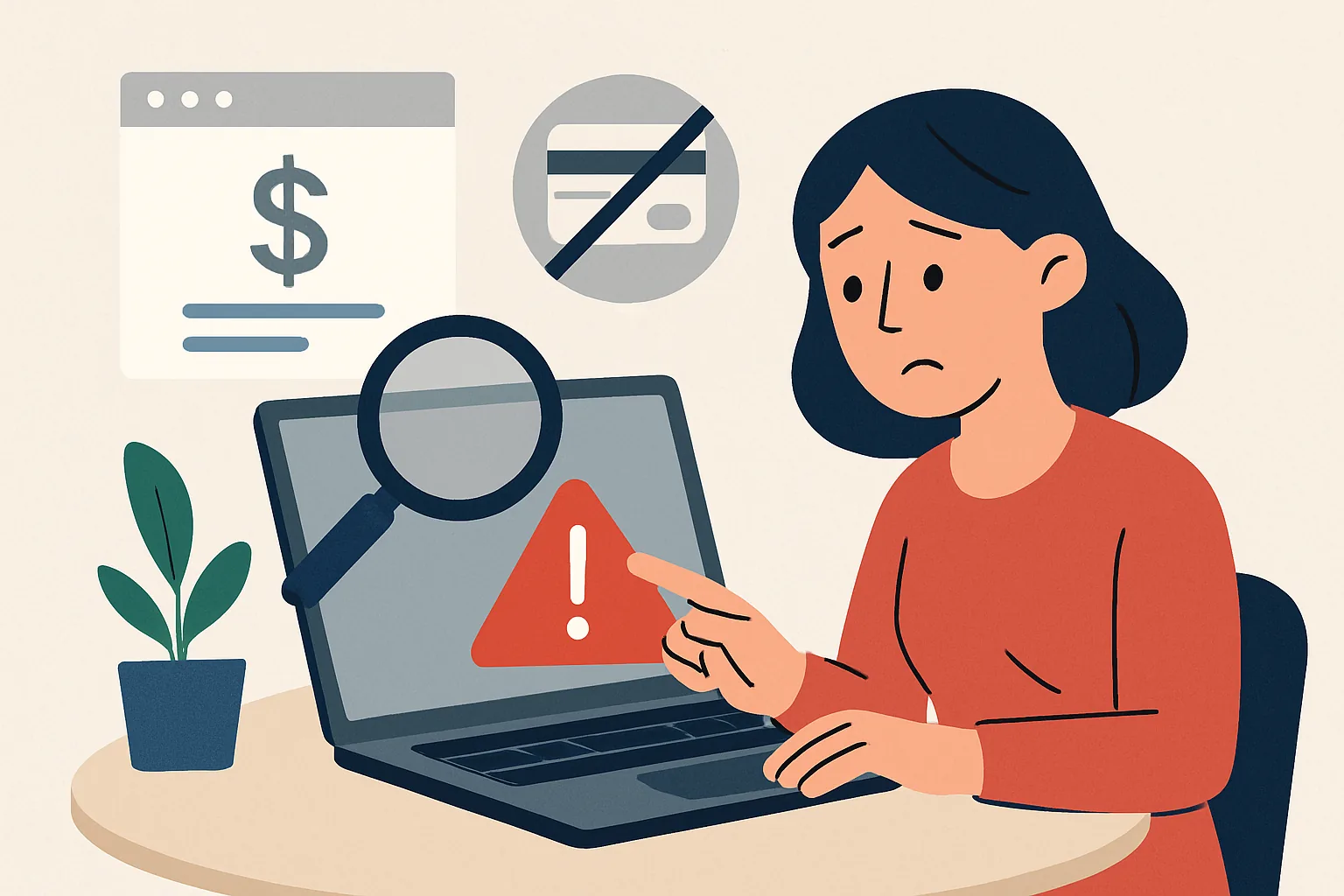
What are hidden fees and automatic charges on a website
Hidden fees are any additional charges that the user learns about not at the moment of selecting a service, but later: during payment, after placing an order, or already on the bank statement. Most often, it is not about 'fraud' in the strict sense, but about opaque presentation of terms. The website may have one prominent price, while next to it – in small print – there is an additional charge for order processing, service activation, access to an extended version, or paid delivery. Sometimes a trial period is subtly added to the purchase, and then automatic renewal is activated.
Auto subscriptions work on a similar scenario. The user enters card details, agrees to the terms, often without even noticing it, and the service gains the right to charge money repeatedly: monthly, annually, or after the trial period ends. Formally, everything can be stated in the rules, but in fact, the client does not expect a recurring payment. That is why it is important to check the site before payment, not after. Otherwise, you will have to deal with the bank, support, and your own memory of where that checkbox was placed.
If you want to learn how to quickly assess a site for honesty and understand how to check a website for hidden fees and auto subscriptions, it is useful to also look for other signs of reliability. For example, how to check a website for fraud: guide it helps to create a broader context: who is behind the page, how transparent it is, and whether the whole process seems too pushy.
How to find hidden fees on the website in advance
It's better to search for hidden fees on the website calmly and methodically. Start not from the cart, but from the main page of the product or service. A user-friendly website usually does not hide important information: price, payment format, access duration, trial period conditions, and renewal terms should be available without a detective investigation.
First, check the rates. If there are several packages, compare not only the price but also the service composition. Sometimes the cheapest option looks attractive until it turns out that the basic function is unavailable, and everything you need is sold as separate add-ons. Then open the FAQ section. It often contains more honest information than the promo page: is there a subscription, can you disable auto-renewal, is there a fee for refunds.
Be sure to read the terms of the offer and payment rules. This is where important details are usually hidden: when the service is considered rendered, how the recurring payment is calculated, who is responsible for what. Yes, the text may be long and dry, but this is where the real terms of the deal often reside. Small print is not always a sign of deception, but it is almost always a signal to slow down and check.
Pay special attention to the return and subscription cancellation pages. If the link exists but leads nowhere; if the rules are vaguely formulated; if you are asked to write 'to the address we will provide later' — this is already a reason to be cautious. A good service does not make the user go through a quest to cancel a paid option.
Subject "hidden fees on the site" is especially important in online stores, online courses, services with trial access, and ticketing systems. Additional services are most often encountered there: insurance, expedited delivery, "premium support", automatic access renewal. Sometimes the user selects one option but pays for two. To avoid falling into such a trap, it is useful to read not only the price but also the entire purchasing process.
Check before payment: what to do in the cart and on the checkout page
The cart is not a formality, but the last point of control. Before payment, go through it as a careful buyer, not as someone who just wants to click "Confirm" and close the tab. Unexpected additional charges often arise at this stage.
- Add a product or service to the cart and check if the price matches the one on the product card.
- Check if there are any additional items: insurance, packaging, delivery, service fee, 'recommended' paid options.
- Open the total amount and compare it with what you initially expected to see.
- Look for pre-checked boxes. If there is already a checkmark next to an additional service, uncheck it and see how the total changes.
- Go to the checkout form and check if the subscription is included by default.
- Don't rush to enter your card until you see the full total — including taxes, fees, and any other mandatory payments, if applicable.
It's useful to test different checkout scenarios. For example, choose a different delivery method, remove a promo code, decline a bonus option, or switch to payment from another device. Sometimes the site shows different conditions depending on the region, interface language, or login method. This is not always suspicious, but if the total fluctuates for no clear reason, it's worth stopping.
There is also a more subtle point: some payment pages create a sense of urgency. Timers, messages like 'few spots left', 'rate will expire in 10 minutes' — all of this works on impulse. In such an atmosphere, it's easier to overlook an extra service. It's better to take a pause than to be surprised by a charge later. By the way, if you like to check websites thoughtfully, the material might come in handy. how to check a website for viruses — especially when the purchase is made from a mobile device.
How to understand if there will be automatic charges after payment
To find out in advance if there will be automatic charges after payment and how to check the site for hidden fees and automatic charges, look for words that usually indicate this directly. The most obvious markers are "subscription", "auto-renewal", "recurring payment", "periodic payment", "monthly" or the English "trial". If the description of the trial period states that access will continue automatically after it, then the charge will likely occur.
Read the text next to the payment button especially carefully. Sometimes the service honestly states: 'After the trial period ends, the full cost will be charged.' The problem is that this phrase may be hidden in a long paragraph or a gray block at the bottom of the page. It's easy to miss it if you only look at the price and the button.
Another signal is the cancellation terms. If you need to log into your personal account, submit a request, wait for an email, confirm the cancellation via a link, and do this by a certain deadline, you are almost certainly facing a scheme with regular charges. A normal service does not complicate cancellation without reason.
Pay attention to phrases like 'access will automatically renew until you cancel your subscription.' This is a standard model for streaming platforms, cloud services, and some educational products. It is not bad in itself, but it requires informed consent. If you are making a one-time purchase and do not want 'surprises' in a month, it is better to look for an explicit refusal of auto-renewal before payment.
What to check in the contract, offer, and return policy
Legal documents are not the most favorite part of a purchase, but they answer key questions. Start with the offer: it usually describes the terms of service, the billing process, the duration of access, and the cancellation procedure. If there is a separate contract on the site, check it as well, even if the text seems formal.
- Find the duration of the subscription or access.
- Check how the renewal occurs: manually or automatically.
- Verify how to cancel the subscription and when to do it to avoid the next charge.
- Clarify if there is a notification before the recurring payment.
- Review the refund terms and the conditions under which money is not refunded.
- Check who the seller is: the platform itself, an agent, a partner, or a third-party service.
The return policy is especially important when it comes to digital goods and subscriptions. Some companies immediately state that once activated, access is non-refundable. This may be legal, but the user should be aware of it in advance. If the rules contain vague wording like 'returns are possible in certain cases' without explaining the mechanics, this is not the most convenient sign.
Another useful guideline is the notification periods. Sometimes you need to cancel the renewal 24 hours in advance, sometimes a few days. If this is not clearly stated, it’s better to assume that the risk of unexpected charges is high. And don’t forget to keep a copy of the offer at the time of payment: the text on the website may change later, and you should have proof of what you agreed to.
How to protect your card and control charges
Even if the site looks decent, reasonable card protection won't hurt. The most convenient option is a separate card for online purchases. You can transfer only the necessary amount to it, so in case of a disputed charge, the risk is limited. Even better is a virtual card with a limit.
It's useful to enable bank notifications for all transactions. Then you'll see the charge immediately, rather than a week later when the balance has already been unpleasantly surprising. If the bank allows, set a limit on internet payments and a separate limit for recurring charges. For some purchases, you can temporarily raise the limit and then lower it again after payment.
Before making a payment, check if the card is saved in the account. If there is an option to 'remember the card for future payments' and you don't need it, it's better to disable it. The fewer automation points, the easier it is to control expenses. It's also useful to see who is listed as the merchant on the payment form. The company's name should be recognizable or at least match what is stated in the offer.
Finally, do not rush to link your main card to services you are not sure about. For a one-time purchase, this is an unnecessary risk. And yes, if the site seems too pushy, you can first check its age and history — for example, using the material how to check the age of a website's domain.
What to do if unexpected charges have already appeared
If the money has already left, act in order. Panic is a poor assistant here, but careful checking is good. First, open the statement and look at the exact name of the charge, the date, the amount, and the recipient's details. Sometimes the merchant is displayed differently than the website name, and this helps to find the source of the payment.
- Check if there is an active subscription in your personal account on the website.
- Cancel it if possible, and keep the cancellation confirmation.
- Contact the website support asking for an explanation of the charge and to disable further payments.
- Save screenshots of the order page, offer, correspondence, and bank statement.
- Contact the bank and clarify the procedure for disputing the transaction.
- If the bank allows for a dispute on the transaction, submit your request as soon as possible.
It is important not to delete emails and not to close correspondence with support. Even a short response like 'your subscription has been canceled' can serve as useful confirmation. If the service promises a refund but is dragging its feet, keep track of the timelines. Calm, consistent communication usually works better than emotional messages like 'refund everything immediately.'
If money is being deducted regularly, check if the card is linked to multiple services with similar names. This happens more often than it seems. As a last resort, it's better to block the card and reissue it if the bank sees signs of compromise. This may not be the most convenient way, but it breaks the chain of unwanted payments.
A short checklist before payment
If you're short on time, go through this list — it helps quickly assess the site before payment and notice risky terms.
- Check the full price, not just the promotional price.
- Check the cart for additional services and fees.
- Uncheck pre-selected boxes, if any.
- Look for the words 'subscription', 'auto-renewal', 'trial', 'recurring payment'.
- Open the offer and check the cancellation and renewal terms.
- Check the return policy and terms for refusing the service.
- Do not save the main card if the purchase is one-time.
- Enable bank notifications.
- Save a screenshot of the payment page before confirmation.
- After payment, check the statement and make sure the amount matches.
A good simple rule: if a site rushes you to agree too quickly, it is not by accident. On a fair platform, the terms are clear before payment, not after. And the more carefully you look at the price, cart, and documents, the less likely you are to encounter hidden fees and automatic charges.