Why does the phone vibrate when connected to charging and how to fix it
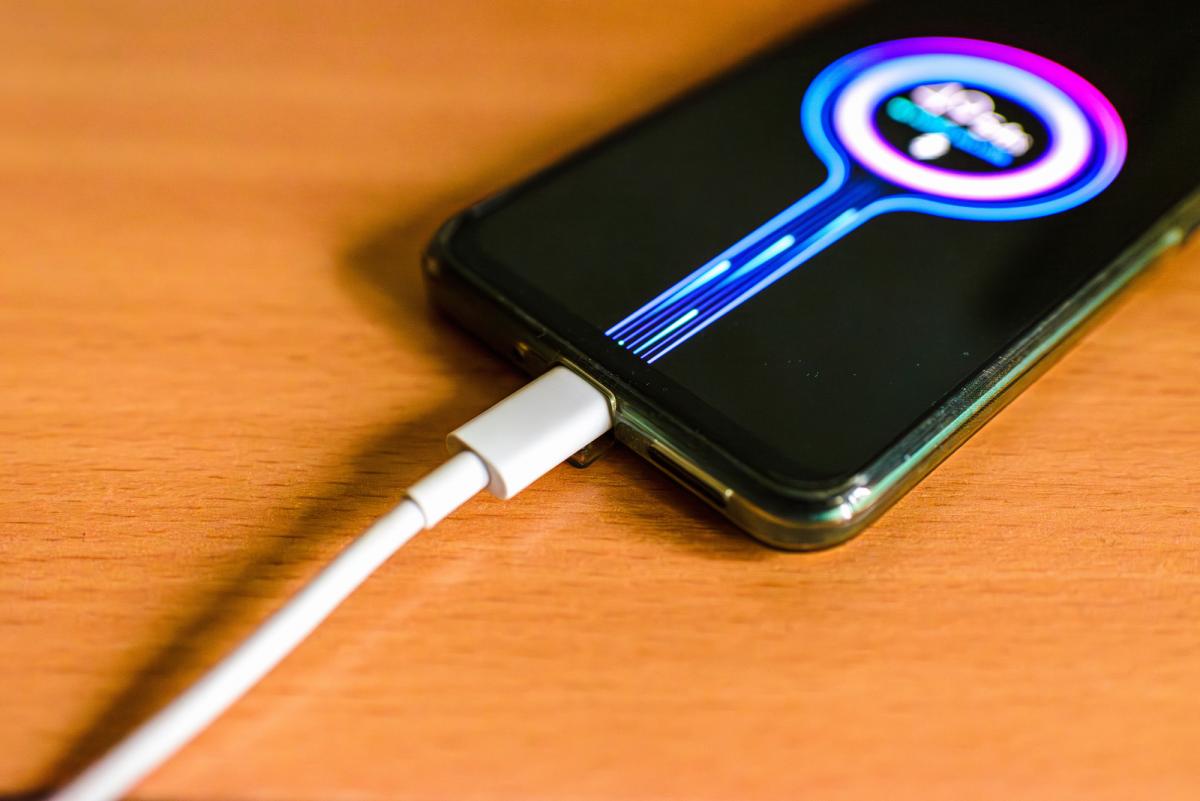
- A light vibration when connecting is a normal indicator of the start of charging
- Repeated vibrations indicate intermittent contacts or a faulty cable
- Check the port, clean it, and try another cable and adapter
- If there are no upgrades, please contact the service center.
When connecting the charging cable to the smartphone, most models emit a short vibration and sound signal. This is a notification that the device has detected a power source and is ready to receive energy.
If the vibration is heard several times in a row, it usually indicates intermittent contacts. Each such pulse means a new attempt to start the charging process, which ends in failure, after which the system tries again.
Impact on battery speed and condition
Continuous connection attempts reduce charging efficiency, sometimes noticeably slowing it down. Prolonged use of such a mode can lead to overheating of the connector and potential battery wear.
One possible reason is a third-party application controlling the charging process. Such programs can change power parameters, causing frequent failures. If you suspect this, check the app settings or temporarily uninstall it.
Often the problem lies in the phone's connector itself. Dust, lint, and small particles can prevent a reliable connection between the plug and the socket. It is recommended to carefully clean the port using compressed air or a soft toothpick, avoiding damage to the contacts.
If the vibration persists after cleaning, you should test another cable and adapter. Replacing accessories helps determine if the power source is faulty. When working with a new set, if the vibrations disappear, the culprit is considered to be the previous cable or charger.
In cases where the new cable and adapter do not solve the problem, it is most likely that the phone itself is faulty. In such a situation, it is better to contact an authorized service center for professional diagnostics.
For users who are annoyed by sound and tactile signals, there is an option to disable them. On Android, this is done in the section 'Settings → Sound and vibration → System sounds', where you need to uncheck the 'Sounds and vibration while charging' option. On iPhone, a similar setting can be found in 'Settings → Sound and vibration → System vibrations'.
Completely disabling notifications is not recommended, as it allows you to quickly verify that the phone has indeed started charging. This is especially useful when the cable is connected, but the power supply is not receiving electricity.
By 2026, most modern smartphones will use a USB-C port, but not every cable supports fast charging, even if it physically fits. When choosing accessories, it is important to pay attention to the 'Fast Charging' label and compatibility with a specific model.
Source: UNIAN