How to check a website for hidden subscriptions: step-by-step guide
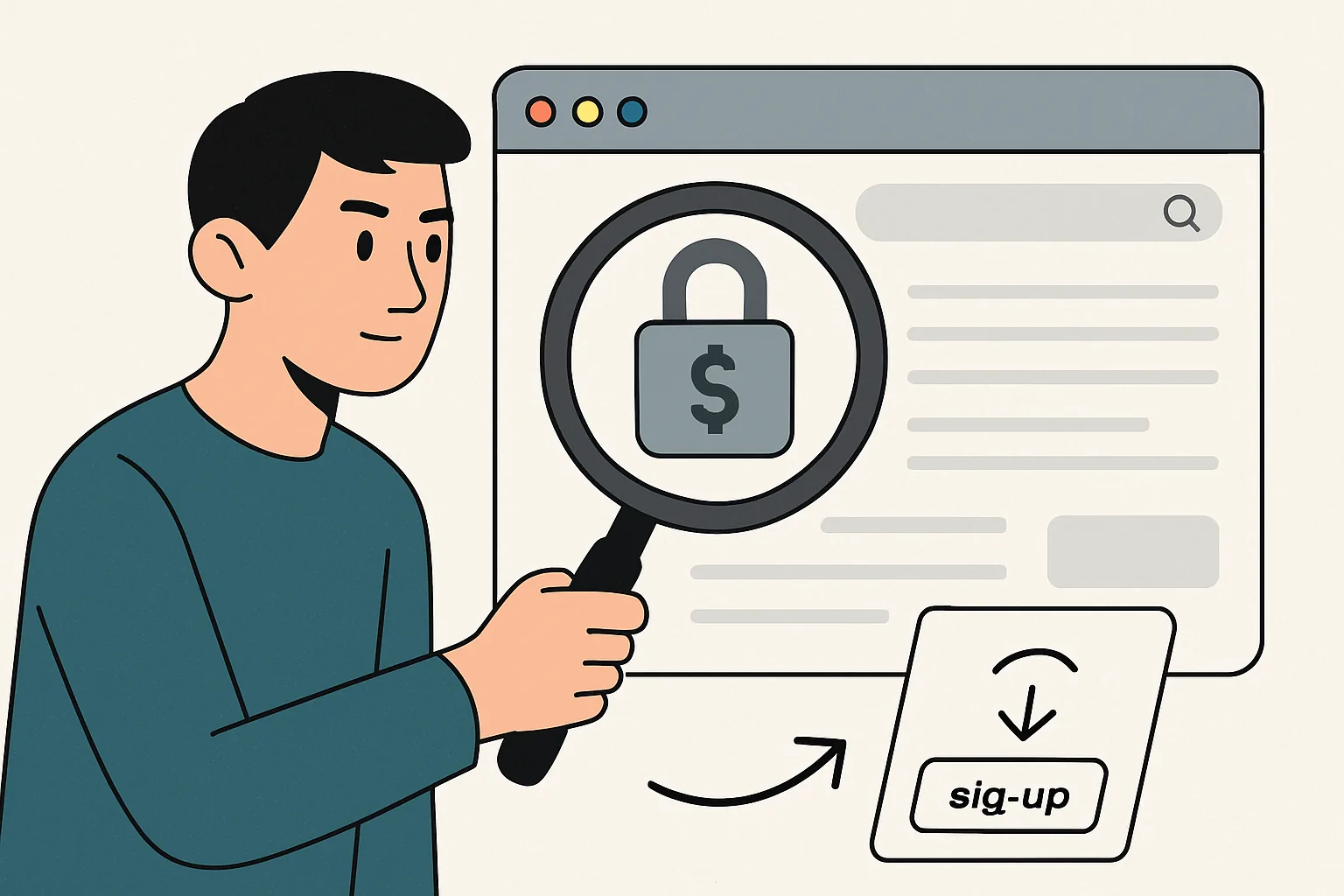
How to check a website for hidden subscriptions: step-by-step guide
Hidden subscriptions are one of the most unpleasant traps on the internet. A user visits a website, gets 'free access', a trial period, or supposedly a one-time service, and a few days later discovers a charge. Sometimes the amount is small, sometimes it’s quite significant. And the main issue here is not the size of the payment, but the feeling of being deceived: somewhere in the terms, a recurring payment was hidden, and the consent to it looked like a regular checkbox.
Such a story can happen with any service: from an online cinema to a website with 'useful materials', tests, collections, and other enticing promises. Therefore, the question is not only how to cancel a subscription, but also how to check a website in advance — before you enter your card details. It’s easier than arguing with support later and scrolling through a contract-offer written in fine print.
1. What are hidden subscriptions on the site
A hidden subscription usually refers to a scheme where the user agrees to regular deductions of money without fully realizing it. Formally, there is often consent: in the text of the offer, in the checkbox during payment, in the terms of the trial period, or in the clause about automatic renewal. However, it is presented in such a way that the person does not notice the key detail.
Most often, it all starts with registration. You are offered access to materials, a trial period, additional functionality, or a 'service check'. The user enters their card details, sometimes just for verification, and then the automatic renewal kicks in. Externally, this looks like a regular payment, but afterwards, money is deducted without separate confirmation. That is why it is important not only to click 'agree' but also to understand what exactly you are agreeing to.
A similar logic can be found in seemingly harmless places: on entertainment sites, in services with files, quizzes, coupons, and even where they promise 'access to a closed database'. If the topic seems familiar to you, it is useful to check not only reviews and contacts in advance but also payment terms — there is a separate analysis on how to check a site for reviews and contacts.
2. How to recognize the signs of a hidden subscription
A hidden subscription rarely announces itself openly. But it has characteristic signs. If you notice at least one or two of them, it's worth being cautious.
- After registration or the first payment, there are repeated charges with the same payment purpose.
- Emails arrive with subjects like 'subscription activated', 'access extended' or 'your trial period is ending'.
- The user receives SMS or push notifications about upcoming charges or service renewals.
- Auto-renewal is enabled in the personal account, although it was mentioned only in passing or not mentioned at all during payment.
- The terms of the offer contain phrases that are easy to miss: 'after the trial period, the charge occurs automatically', 'subscription renews until canceled', 'card is saved for future payments'.
There are also less obvious signals. For example, the payment page looks too simple, and the details are hidden in a separate menu item. Or the price on the first screen seems symbolic, but when proceeding to payment, it suddenly turns out that a regular rate applies. Sometimes the service doesn't even prominently use the word 'subscription', preferring neutral expressions like 'access', 'account', 'service package'. This is not always deception, but a reason to read the documents more carefully.
If you want to learn how to distinguish a legitimate site from a questionable one, it's useful to look not only at the payment but also at signs of reliability in general. For example, how the SSL certificate is set up, what data the browser displays, whether there is a secure connection. This is discussed in detail in the article how to check a site for an SSL certificate.
3. How to check a site for hidden subscriptions
Checking a site for hidden subscriptions is not a one-click task, but a small ritual. However, it saves money and nerves. It's better to spend five minutes before payment than to deal with support and the bank for weeks afterward.
Step 1. Find the payment terms
First, open the page that describes the rates, payment, subscription, trial period, or refund policy. This is usually where the main information is hidden. Look for the words 'auto-renewal', 'monthly', 'recurring payment', 'subscription renews automatically', 'cancellation available in the personal account'.
Don't limit yourself to the beautiful advertising page. Sometimes it promises one thing, while the actual payment scheme is revealed in a neighboring section that is specifically placed in the footer or in the FAQ.
Step 2. Read the offer
Yes, it's boring. But the offer often outlines all the important conditions: when the charges start, how the trial period works, whether you can get a refund, which services are considered rendered, and what to do in case of cancellation. If the document seems too general, look for wording about recurring payments and the duration of access.
Pay special attention to the points that mention consent to process card data and the ability to charge money without additional confirmation. This is the moment when a regular 'registration' turns into a subscription.
Step 3. Check the consent checkbox
Before payment, pay attention to the checkboxes. Sometimes the necessary item is already checked in advance, and the text next to it is written in such a way that it can be easily overlooked. The user clicks 'continue' and inadvertently agrees to auto-renewal.
If there are links to rates, return policies, or subscription terms nearby — open them before entering your card details. This simple action helps to understand whether you are paying for a one-time service or subscribing to a regular service.
Step 4. Look for the 'Subscription' and 'Auto-renewal' sections
Many websites have such sections in the personal account. Sometimes they are not on the main page, but in the account settings or payment profile. This is usually where you can see if the subscription is active, what the next billing date is, and if there is a cancellation button.
If the website interface does not allow you to quickly find these sections, that is already a warning sign. A good service does not hide payment management deep in the menu.
Step 5. Check confirmation emails
After registration or payment, save the email. It often contains more information than the website: the trial period duration, the date of the next charge, a cancellation link, and sometimes even the exact name of the company that will appear on your bank statement.
It is useful to create a separate folder right away or at least not to delete such emails until the end of the trial period. This is common household caution, but it often saves you from unexpected charges.
Step 6. Check your payment history
If you have already used the service, open the transaction history in your bank or payment system. Repeated charges to the same recipient are a clear sign of a subscription. Sometimes the statement does not show the website name, but the name of the payment aggregator or legal entity. This is normal, but requires careful verification.
If in doubt, take screenshots. They will be useful if you later need to prove that you did not intend to make a recurring payment.
4. What to do if the subscription is already activated
If the charge has already occurred, do not panic. First, you need to understand if you can cancel the subscription in your account. Usually, there is a button for 'Cancel subscription', 'Turn off auto-renewal', or 'Manage subscription'. Sometimes it is hidden in the payment section, sometimes in the profile.
If the button is there, cancel it immediately, without postponing it for 'later'. After that, save the confirmation of cancellation: an email, a screenshot, or a reference number. This is an important detail that will save you from disputes later.
If the subscription is already active and the service refuses to refund, it makes sense to write to support. Calmly, without unnecessary emotions: specify the date of the charge, explain that you did not expect the auto-renewal, and ask to cancel further payments and consider a refund. In some cases, a polite and clear request helps.
When the service requires a formal statement, send it in writing through the form on the website or to the email. The neater the correspondence is, the easier it will be to use it as evidence later.
5. How to cancel a subscription after registering through a bank or payment service
If cancellation on the site does not work or the button is simply missing, involve the bank or payment service. This is a normal way, especially if it concerns a recurring payment that goes through without your separate confirmation.
The first option is to block recurring charges from a specific merchant. Some banks allow you to prohibit future transactions in favor of a certain company. The second option is to dispute the transaction if the charge seems unjustified to you. It is important to adhere to the deadlines and rules of your bank or payment system.
You can also request to cancel the recurring payment through the bank's support. Sometimes it is enough to explain that you did not give informed consent for the regular charge or could not find a way to disable the service. The employee will guide you on how to submit a request and what information to attach.
If the payment went through a third-party service, check if it has its own cancellation and refund procedure. In some cases, the payment system may see more details than the website itself.
6. How to check a website for hidden subscriptions before payment
Before entering the card, it is useful to go through a short checklist. It is simple, but it helps to filter out questionable scenarios even before the first payment.
- Read the payment terms and the offer, especially the points about auto-renewal and the trial period.
- Look for the words 'subscription', 'monthly', 'autopay', 'recurring payment' on the page.
- Check if the consent checkbox is pre-checked.
- See if the date of the next charge is indicated and if it can be viewed before confirming payment.
- Open the confirmation emails and do not ignore the fine print.
- Do not enter card details if the terms seem vague or contradictory.
There is another practical tip: try to go partway through the payment process but do not complete it. Sometimes, at the last step, it becomes clear that the service intends to automatically subscribe you. If the payment form does not allow you to understand the final terms without entering your card, that is a bad sign.
It is also useful to check the site comprehensively: who is behind it, if there are real contacts, how the documents are formatted, and what users are saying. This will help with the material on how to check a site for reviews and contacts.
7. What to do if the site does not allow you to cancel the subscription
Sometimes the service behaves as if cancellation is not provided at all. There is no button, support responds with templates, and charges continue. In such a situation, it is important to move from correspondence to documenting the facts.
First, gather everything that confirms your position: screenshots of the payment page, offers, emails, notifications of charges, correspondence with support, bank statements. It's better to save files in several places, not just on your phone.
Then submit an official complaint. Briefly state when you registered, what exactly you paid for, why you consider the charge disputed, and what you are demanding: cancellation of the subscription, cessation of future payments, refund. No long emotions — just the facts.
If there is no response or it is formal, contact the bank, payment service, or regulatory authorities according to the rules of your country. It is important not to delay: the sooner you document the dispute, the greater the chances of stopping further charges. And yes, do not delete your account until the investigation is complete — sometimes this hinders proving that the subscription was indeed active and the cancellation did not work.
Hidden subscriptions thrive on haste and inattention. Therefore, the best protection is a calm check before payment and the habit of reading not only the bright promises but also the boring details. Usually, that's where the most interesting things are hidden, at the bottom of the page. The unpleasant things too.