News and articles
Explore news and articles about technology, science, culture and life. Choose a topic that interests you and read the full story in the app.
A world of stories, discoveries and ideas, always in your pocket. MEGA brings together horoscopes, articles, world events and useful AI services for your everyday life.
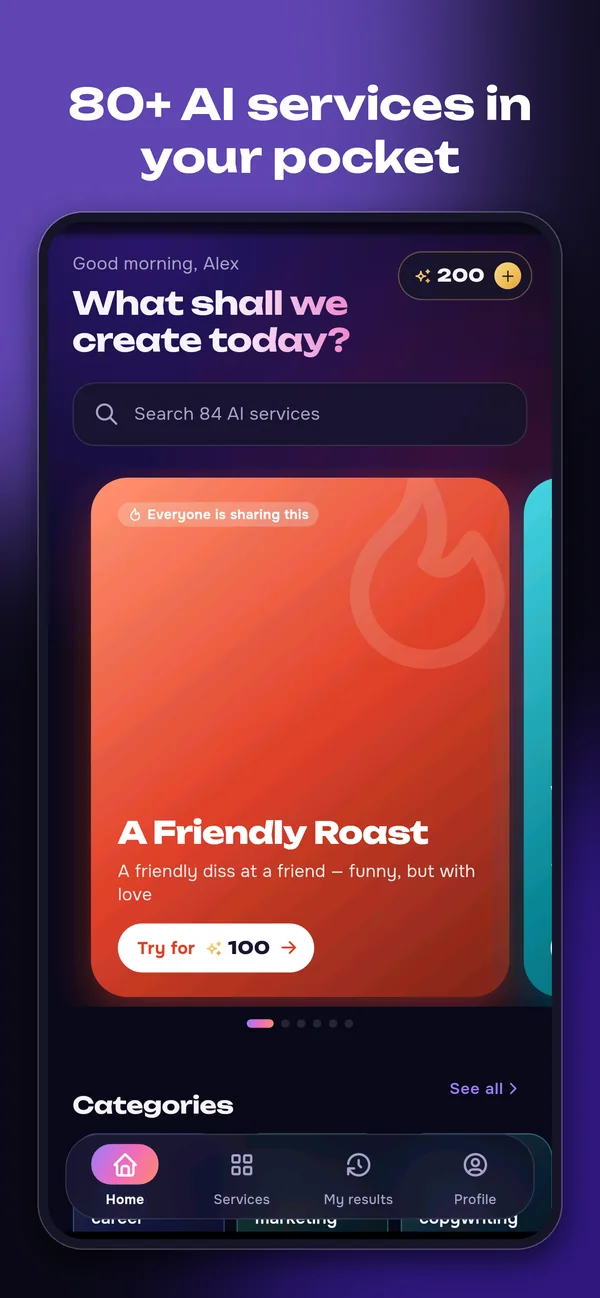
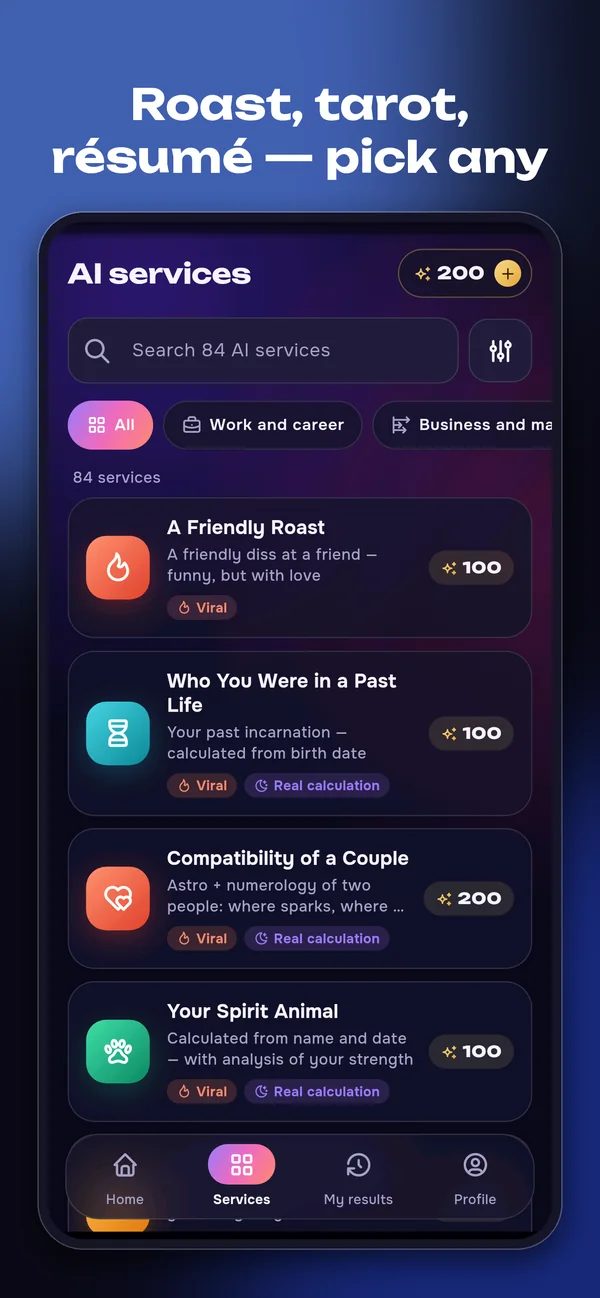
Explore the app screens. Select an image for a larger view.
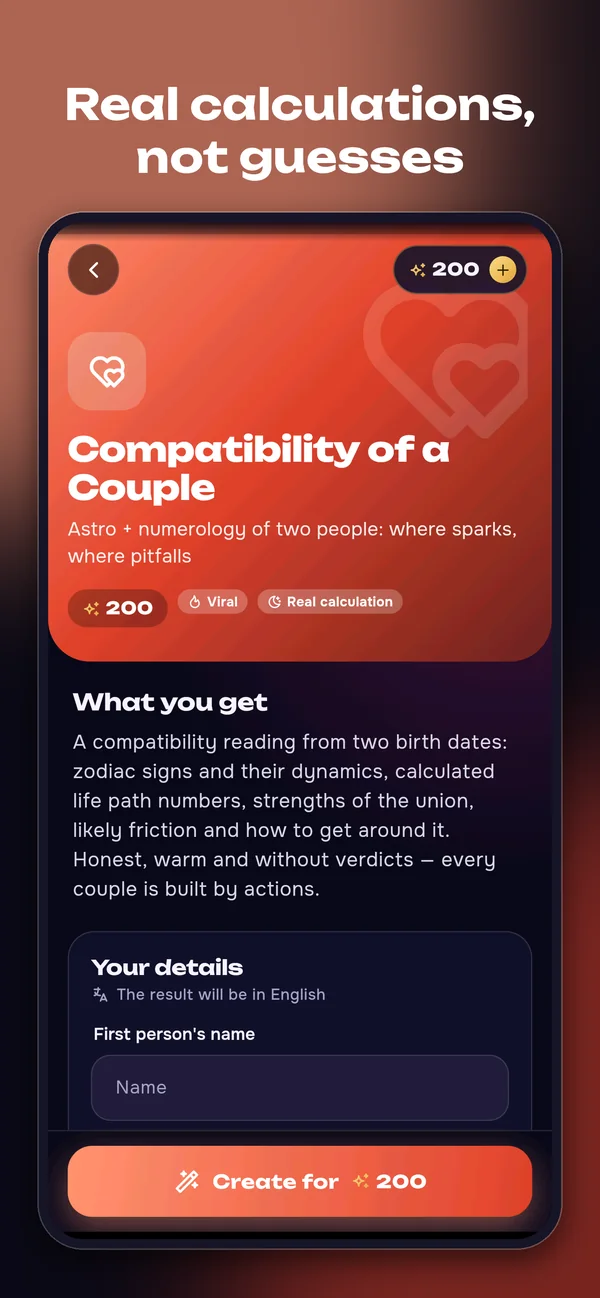
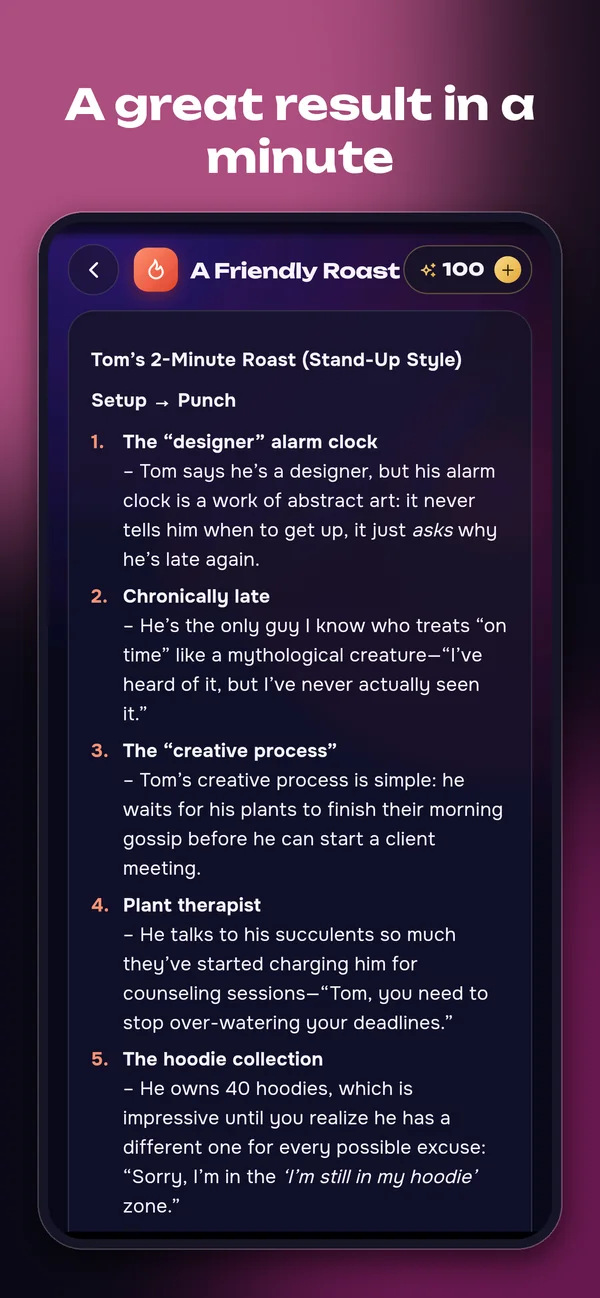
Explore news and articles about technology, science, culture and life. Choose a topic that interests you and read the full story in the app.
Check daily, weekly and monthly horoscopes for all 12 zodiac signs. Explore dream interpretations and name meanings when curiosity strikes.
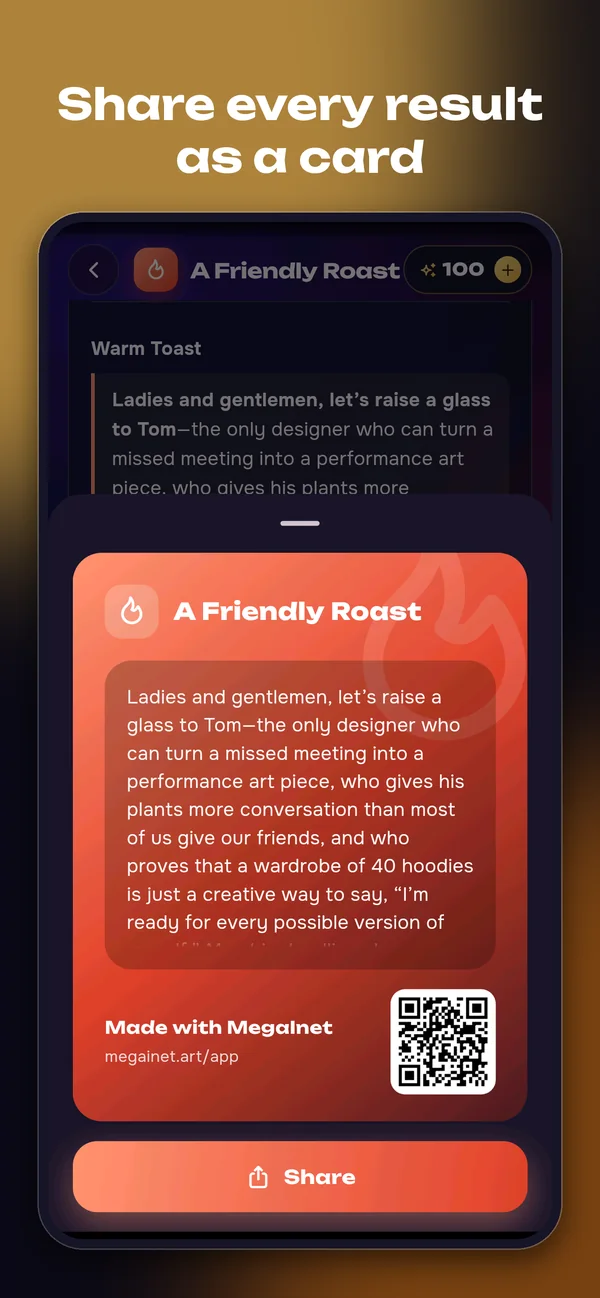
Use AI to draft a greeting, improve a résumé, write a post, plan a trip or find a gift idea. Discover creative and entertainment services, including tarot, numerology and astrology. Save your results and share them as cards.
Create QR codes, generate passwords and use handy calculators and converters without spending credits.
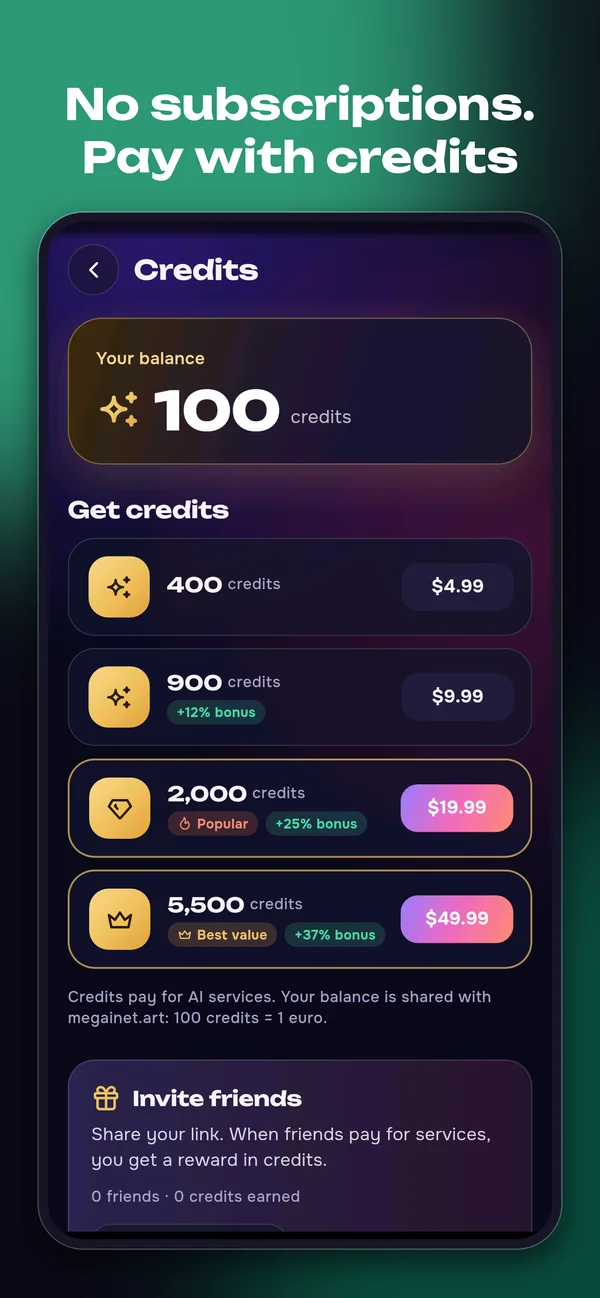
Choose Basic, Plus or Pro with monthly credits, or buy credit packs without a subscription. Failed generations return your credits automatically.
300
credits / month
600
credits / month
1 500
credits / month
Prices and subscription terms are shown in your store before purchase.
Only to provide the services: create results, keep your history and balance, process purchases, answer support requests and prevent abuse. No advertising, no tracking SDKs, no sale of data.
Privacy policyMEGA is available on the App Store and Google Play. Use the download buttons on this page to open your store.
Articles and horoscopes are free. Paid AI services use credits: choose credit packs or a Basic, Plus or Pro subscription through in-app purchases. Check the cost before generating a result. If generation fails, credits are returned automatically. Manage subscriptions in your store account settings.
Read articles and horoscopes without signing in. Use Google or Apple to sign in for paid AI services and your saved results.
In the app, open Profile → Buy credits for credit packs, or Profile → Subscription for Basic, Plus and Pro. Manage or cancel subscriptions in your App Store or Google Play settings. Store purchase refunds are handled by Apple or Google.
To delete your account, open Profile → Delete account. The linked instructions explain what is deleted and how to contact us if you cannot access the app.
Delete your MEGA account
Your daily mix of horoscopes, articles, world news and useful AI tools.